

Endurance
Engineered for maximum wear time.

Confidence
Never lose a device.

Freedom
Skin Grip moves with you, never against you.
SHOP BESTSELLERS
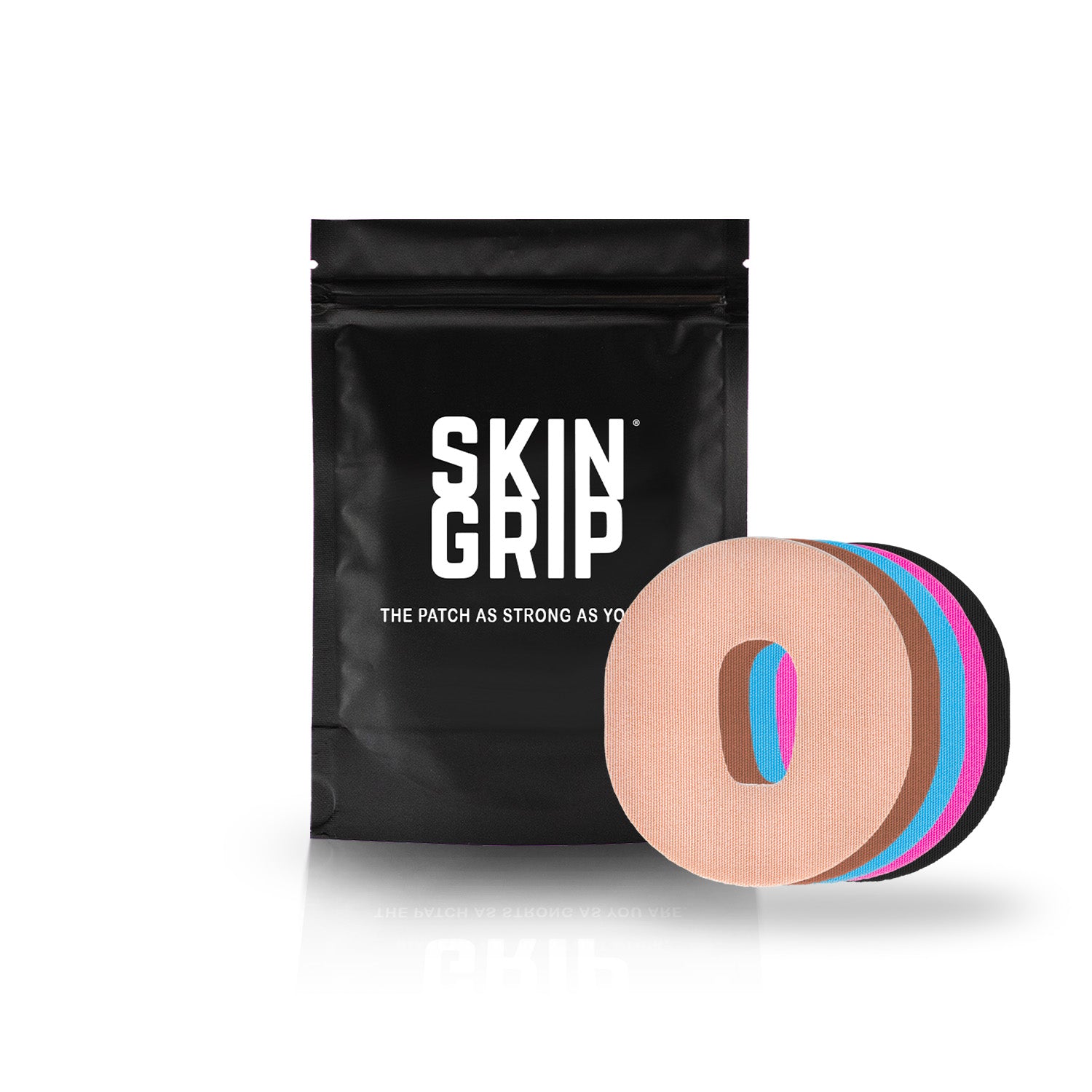
Skin Grip Original - Dexcom G6 Patches


Choose your option
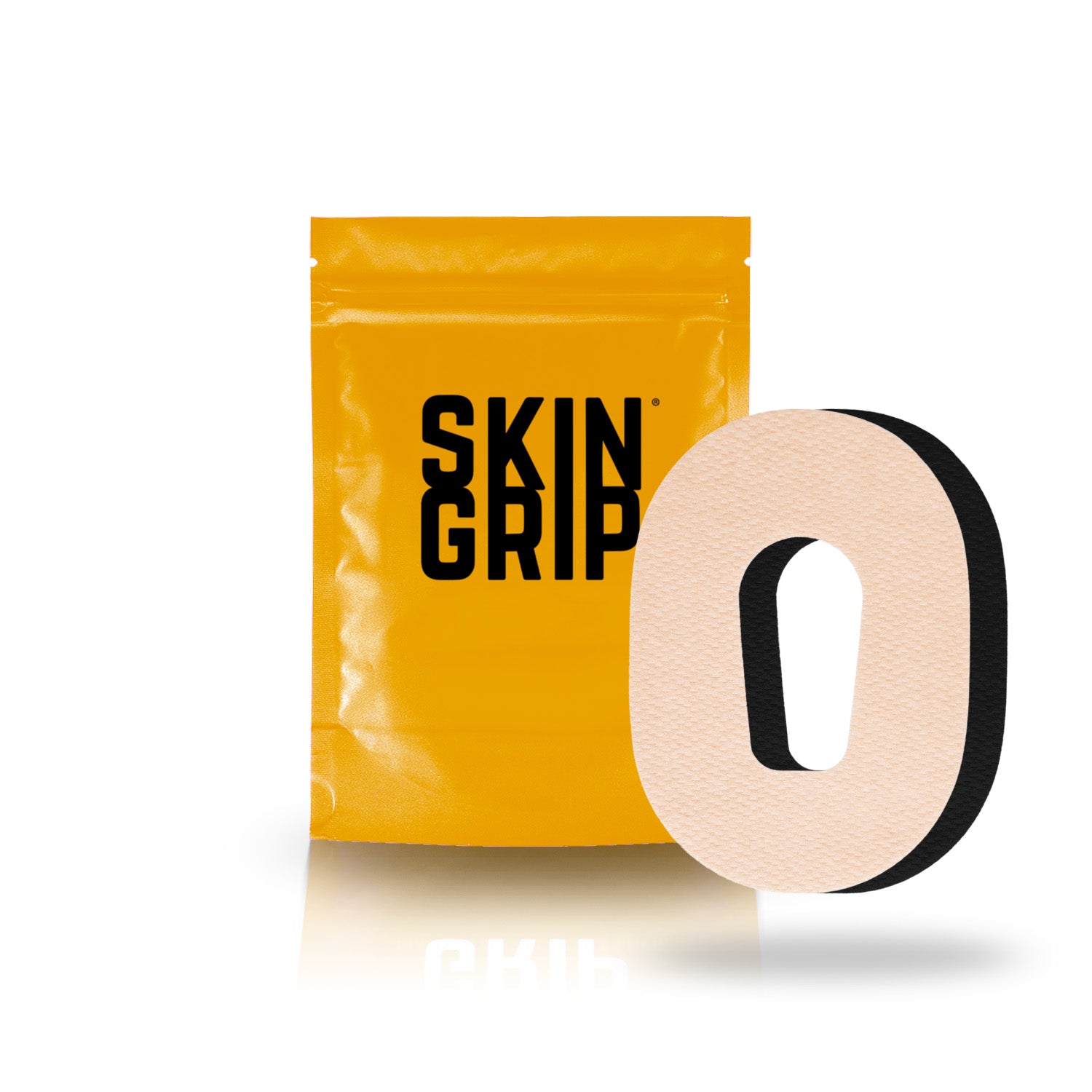
Skin Grip MAX Dexcom G6 Patches - 10 Pack


Choose your option

Skin Grip Original - Medtronic Guardian/Enlite Adhesive Patches


Choose your option

Skin Grip Original - Freestyle Libre 2+ & Lingo Adhesive Patches


Choose your option

Skin Grip MAX Dexcom G7 & Stelo Patches - 10 Pack


Choose your option

Skin Grip Original - Dexcom G7 & Stelo Adhesive Patches (With Cutout)


Choose your option

Skin Grip Original - Omnipod Adhesive Patches


Choose your option

Skin Grip Original - Dexcom G7 & Stelo Adhesive Patches


Choose your option


Skin Grip - Tandem Mobi Pocket Patch

Choose your option






Sensors Saved
Trusted By




Say Goodbye To
Sensor Failure Mid-Routine
Adhesion built to last through motion, sweat, and time.
Manufacturer Replacements on Repeat
Designed for reliability — not replacements.
Waiting on New Sensors to Arrive
Every patch extends your wear. Every day counts.
Losing a Reading When Life Gets Close
Holds steady through hugs, heat, and high impact.
Returning to Fingerpricks and Frustration
Performance that stays put. Confidence that stays on.
→ Built to grip. Made to stay.
DIABETES MANAGEMENT
Your go-to hub for tips, tricks, and real talk on living boldly with diabetes

How to Prevent Diabetes Device Failures: Simple habits that help your CGM and pump stay reliable every day
Diabetes technology is incredible. CGMs, insulin pumps, apps, and automated insulin delivery systems can reduce mental load and help you feel more confident throughout your day. But even the best diabetes tech can have off days. Sensors lose signal. Sites get pulled off. Pods fail early. Adhesive starts peeling at the worst possible moment. And if you’ve ever had a device issue during a workout, a travel day, or while you’re just trying to exist peacefully… you know how stressful it can be. This guide is all about preventing the most common diabetes device problems with small habits that make life easier. No perfection required, just practical steps that help you stay connected, prepared, and calm when real life happens. The Most Common “Device Failures” (That Aren’t Your Fault) Before we get into prevention, here’s a reminder: device issues happen to everyone. You’re not doing anything wrong. Common problems include: Adhesive peeling early Sensors falling off or failing before the wear period ends Pump sites pulling out or getting irritated Signal loss or missed readings Pods failing early Alarm fatigue (not exactly a failure, but definitely a real-life issue) Dead batteries at the worst time The goal is not to eliminate every problem. The goal is to reduce avoidable ones and feel ready for the rest. 1. Nail the Basics: Skin Prep Makes a Huge Difference Most device problems start before your device even goes on. A quick, consistent skin prep routine helps your patch stick longer and feel more comfortable throughout wear. Try this simple prep flow: Wash skin with soap + water Dry completely Avoid applying lotions, oils, or sunscreen on that spot beforehand Apply your device Reinforce it early (more on that below) 2. Reinforce Devices Before They Peel A lot of people wait to patch things up until the device is already lifting. The problem is once an edge starts peeling, it tends to get worse quickly. Instead, reinforce early, especially if you know you’re heading into: A workout A beach or pool day A sweaty commute A busy weekend A long work shift A travel day Skin Grip patches are made for exactly this. They help keep CGMs and pump sites secure through sweat, movement, and everyday wear, so you spend less time worrying and more time living. Pro Tip: Apply your patch at least 1 hour before a workout or shower to give the adhesive time to bond. 3. Choose Placement That Matches Your Life Where you wear your device can have a big impact on how long it stays secure. Try to avoid spots that experience: High friction (waistbands, bras, tight clothing) Constant bending or twisting Frequent bumping (doorways, backpacks, sports gear) Good placement isn’t the same for everyone. You may need to experiment to find spots that work with your routine, job, and activity level. Pro Tip: If your device always fails during certain activities, consider it a placement issue before assuming it’s a product issue. 4. Protect Your Devices During Sweat, Showers, and Swimming Water and sweat don’t just affect comfort. They can weaken adhesive over time. Here are a few lifestyle-friendly habits that help: Pat your patch dry after a shower or swim (don’t rub) Avoid very hot showers right after applying a new device Reinforce with a patch before heavy sweat days Keep a backup patch in your gym bag or travel kit This is where the little things make a major difference in wear time and peace of mind. 5. Reduce Signal Loss and Tech Glitches Sometimes device failure is really a connectivity issue. A few things that help prevent signal loss: Keep your phone/receiver within range when possible Avoid leaving your phone in another room for long stretches Keep your apps updated Restart your phone if readings disappear unexpectedly Pro Tip: If your CGM is connected to multiple apps or devices, try not to overload your setup. Too many connections can occasionally lead to missed data or delays. 6. Keep Your Tech Charged This one seems obvious, but it’s easy to forget charging when you’re busy, tired, or traveling. Instead of relying on memory, build charging into an existing habit. Examples: Charge your devices while you shower Plug in your pump/phone while you brush your teeth Use a portable charger during long car rides Pro Tip: Keep a charging cord in the places you spend time: bedside, car, work bag, travel kit. 7. Always Have a “Plan B Kit” Device failures feel 10x worse when you don’t have supplies nearby. You don’t need to carry your entire diabetes closet with you. A small plan B kit is enough to reduce stress. Ideas for a mini backup kit: Low snack A spare Skin Grip patch A wipe (prep or remover depending on your needs) A charger or small portable battery A backup infusion set/pod/sensor (if you’re out all day) Pro Tip: Build a few kits and keep them where life happens: car, backpack, desk drawer, gym bag. 8. Make Device Changes More Convenient A lot of device issues happen when you apply a sensor or site in a rush. If possible: Change devices at home Change devices when you’re calm Avoid last-minute changes right before a workout, flight, or big event It doesn’t have to be perfect. You’re just trying to set yourself up for success. Pro Tip: Apply a new patch or sensor the night before a long day. More time to set = more reliable wear. 9. Don’t Let One Bad Tech Day Ruin Your Confidence If your device fails early, it’s easy to spiral into frustration. But diabetes tech is still worth it, even when it’s imperfect. A helpful mindset shift: Not every device issue needs a deep investigation You can troubleshoot, replace, and move on You’re allowed to feel annoyed without blaming yourself Your ability to adapt is a skill. The device is just a tool. Final Thoughts: Reliable Tech = More Freedom When your devices stay secure, stay connected, and work with your routine, you spend less time troubleshooting and more time enjoying your day. With simple habits, a realistic backup plan, and tools like Skin Grip patches and wipes to support device wear, you can feel more confident through workouts, travel days, long shifts, and everything in between. Because diabetes is already a full-time job. Your tech should make life easier, not harder.
Read more
Diabetes Tech Roundup 2026: All Your Pump + CGM Options in One Place
Devices and integration matter because the more your tech can work together, the more freedom you get in your day-to-day life. From tubed systems to tubeless pods and closed-loop AI-assisted pumps, here’s a snapshot of key diabetes technology available now — including t:slim, Mobi, Omnipod 5, Medtronic MiniMed 780G, Beta Bionics iLet, twiist, and more. What Is Automated Insulin Delivery (AID)? Automated Insulin Delivery systems combine a CGM, an insulin pump, and an algorithm to automatically fine-tune insulin delivery throughout the day and night. They’re sometimes called “hybrid closed-loop” systems because they still require manual input for meals, but they reduce the mental load of background insulin adjustments. Tandem t:slim X2 & Tandem Mobi Type: Tubed Insulin Pump (t:slim X2); Compact option (Mobi)Insulin Capacity: 300 unit reservoir (t:slim X2); 200 unit reservoir (Mobi)CGM Integrations: Dexcom G6, Dexcom G7, and Abbott FreeStyle Libre 3 Plus sensors in Control-IQ+ mode Snapshot: The t:slim X2 is a mainstream AID system with a color touchscreen, rechargeable battery (often lasting up to ~7 days depending on use), and predictive Control-IQ+ technology that helps prevent highs and lows. Mobi is a smaller, more streamlined variant aimed at users who want a more compact pump with similar integration. Mobi users can view pump/CGM data and deliver boluses from an app on compatible phones. Not only can users can wear Mobi in an adhesive patch with 5" tubing, Tandem has announced that they are working on a patch version of Mobi. Insulet Omnipod 5 Type: Tubeless Patch Pump (Pod)Insulin Capacity: Pods typically last ~3 days per pod (72 hours) before replacement and hold up to 200 units of insulinCGM Integrations: Dexcom G6 and Dexcom G7 sensors Snapshot: Omnipod 5 brings hybrid closed-loop automation without tubes, meaning a pump pod sits directly on your body and delivers insulin continuously. SmartAdjust™ technology updates insulin delivery every ~5 minutes based on CGM data. Its small, waterproof pods and optional smartphone (iPhone/Android) control make it popular for people who prefer a less obtrusive setup. Medtronic MiniMed 780G Type: Tubed Insulin Pump with Advanced AIDInsulin Capacity: Up to 300 units CGM Integrations: Medtronic’s Guardian 4 Sensor (with future expansion to Abbott FreeStyle Libre tech) Shapshot: MiniMed 780G uses Medtronic’s SmartGuard™ algorithm, including advanced features like Meal Detection and frequent (every ~5 minutes) adjustments based on CGM readings. It also supports an extended infusion set worn up to ~7 days, meaning fewer site changes. Beta Bionics iLet Bionic Pancreas System Type: Closed-Loop AID SystemInsulin Capacity: Up to 200 units of insulin CGM Integrations: Dexcom G6, Dexcom G7, Abbott FreeStyle Libre 3 Plus Snapshot: iLet is designed to be even more “hands-off” than traditional AID systems — it adapts insulin delivery based on body weight and CGM data without requiring preset basal rates or complex settings. Some versions emphasize minimal manual correction and learning insulin patterns automatically, making it a promising choice for people who want more automation and less micromanagement. twiist AID System (by Sequel Med Tech) Type: AID PumpInsulin Capacity: 300 unitsCGM Integrations: Designed for use with popular CGMs (Dexcom, others; see approvals per region and clinician guidance)Snapshot: twiist is an emerging hybrid closed-loop pump system powered by interoperable algorithms that aim to offer personalized automated insulin delivery using real-time CGM data. As with other advanced systems, compatibility and specific features may vary by region and approval status. How Integrations Work (CGMs + Pumps) The strength of these systems lies in integration — the pump needs real-time glucose info to adjust insulin delivery automatically. Many of the pumps above pair with the Dexcom G6 or G7 sensors, which transmit readings every ~5 minutes. Some systems also work with other sensors like the FreeStyle Libre 3 Plus, depending on region and prescription. System Type Reservoir/Pod Wear Typical Insulin Capacity CGM Integration Notable Features Tandem t:slim X2 Tubed AID Pump Tubed infusion set changed every ~2–3 days ~300 units (pump) Dexcom G6, Dexcom G7, FreeStyle Libre 3 Plus Control-IQ+ algorithm, predictive adjustments Tandem Mobi Compact Tubed AID Pump Tubed infusion set ~2–3 days ~200 units Dexcom G6, Dexcom G7, FreeStyle Libre 3 Plus Smaller form factor, same Control-IQ+ tech Insulet Omnipod 5 Tubeless Pod Pump (AID) Pod replaced ~72 hours ~200 units (per pod) Dexcom G6, Dexcom G7 Pod directly on body, SmartAdjust™ AID Medtronic MiniMed 780G Tubed AID Pump Tubed infusion set up to ~7 days ~300 units Medtronic Guardian 4; Abbott Instinct; Simplera Sync SmartGuard™ + Meal Detection Beta Bionics iLet AID Pump / Bionic Pancreas Tubed infusion set ~2–3 days ~200 units Dexcom G6, Dexcom G7, FreeStyle Libre 3 Plus Algorithm learns patterns automatically twiist (Sequel Med Tech) Tubed AID Pump (new) Tubed infusion sets ~2–3 days ~300 units Works with compatible FreeStyle Libre 3 Plus; will soon work with the Eversence FDA-cleared AID with micro-dosing
Read more
What to Do Before Your Insurance Resets in January
If you live with diabetes, you probably know this feeling all too well: January hits, insurance resets, deductibles start over, and suddenly supplies that were affordable in December feel way more expensive in January. The good news is that a little planning before the end of the year can save you money, stress, and last-minute scrambling. This guide walks through practical steps you can take before your insurance resets so you can start the new year feeling prepared, not panicked. Why the Insurance Reset Matters For many insurance plans, January 1 means: Deductibles reset Out-of-pocket maximums reset Coverage tiers may change Prior authorizations may expire If you use insulin, CGMs, pump supplies, adhesive patches, or other diabetes essentials, these resets can impact both cost and access. Taking action in December can help smooth that transition. 1. Refill and Reorder Before December 31 If your plan allows it, refill prescriptions and reorder supplies before the end of the year, especially if you’ve already met your deductible. This can include: Insulin (vials, pens, cartridges) CGM sensors and transmitters Pump supplies (pods, infusion sets, reservoirs) Test strips, lancets, and backup meters Even refilling just one extra month of supplies can make January feel much easier while you wait for new deductibles to be met. 2. Use Remaining FSA or HSA Funds If you have an FSA (Flexible Spending Account) or HSA (Health Savings Account), now is the time to check your balance. Many diabetes essentials are eligible expenses, including: Adhesive patches like Skin Grip Skin prep wipes and adhesive removers CGM and pump accessories Glucose tabs and low supplies Medical storage and travel cases FSA funds often expire at the end of the year (depending on your plan), so using them now prevents money from going to waste. 3. Check Prior Authorizations and Coverage Dates Some prescriptions and devices require prior authorization that may expire at the end of the year. Before January: Confirm whether your CGM, pump, or insulin authorization carries into the new year Ask your pharmacy or supplier if anything needs to be renewed Contact your provider early if paperwork is required Starting this process in December helps avoid delays when offices reopen after the holidays. 4. Review Your Plan for the New Year If you’re changing insurance plans or employers, take time to review what’s covered starting in January. Look for: Preferred brands for insulin, CGMs, or pump supplies Pharmacy vs. durable medical equipment (DME) rules Changes to copays or coinsurance New requirements for mail-order pharmacies Even small changes can affect how and where you order supplies, so knowing ahead of time reduces surprises. 5. Build a January Buffer January can be unpredictable – insurance portals lag, pharmacies run behind, and customer service lines are busy. Before the year ends, aim to: Have at least one extra sensor or pod Keep backup low snacks stocked Carry extra adhesive patches in case devices need reinforcement Store supplies in more than one place (home, bag, car) This buffer gives you breathing room if something is delayed. 6. Save Important Information Take five minutes to save or update: Photos of your insurance card (front and back) A list of prescriptions and device model numbers Pharmacy and supplier phone numbers Provider contact info Keeping this info in your phone or email makes it easier to handle issues quickly if something comes up in January. 7. Be Kind to Yourself Insurance is complicated and diabetes is demanding. The combination can feel overwhelming, especially during the holidays. You don’t have to do everything perfectly. Even completing one or two steps from this list can make a meaningful difference. Preparation isn’t about control — it’s about creating ease where you can. Final Thoughts Insurance resets are frustrating, but they don’t have to derail your routine. A little planning now can help you start the new year with supplies on hand, fewer phone calls, and more peace of mind. Think of this as a form of self-care — one that supports your health, your time, and your energy in the year ahead.
Read more