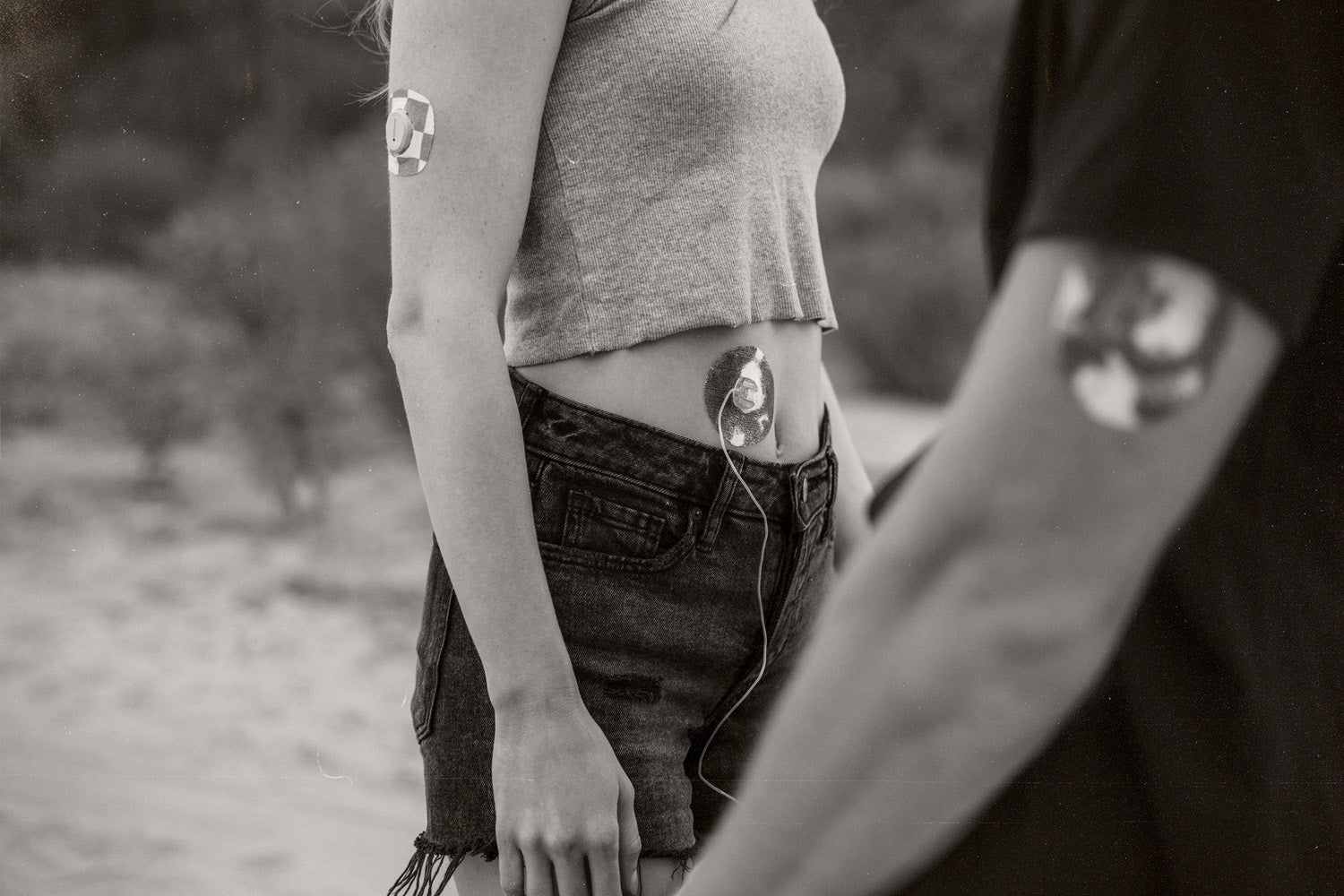
Diabetes Technology

Automated Insulin Delivery Systems: Advantages and Limitations
There have been many advantages to diabetes technology systems over the years. From finger pricking, continuous glucose monitors, insulin pumps, and now automated insulin delivery systems, the technological advances can be incredibly beneficial to lowering A1C levels and reducing the time spent on daily diabetes management. Do the advancements with automated insulin delivery systems like those with Tandem t:slim x3, Omnipod 5, or Medtronic MiniMed 770G, mean that you stop thinking about diabetes management altogether? We are laying out all the advantages and disadvantages of these systems below.

Diabetes Devices Up Close: Medtronic Guardian 4
The Guardian 4 marks Medtronic Diabetes' latest release in continuous glucose monitoring systems (CGMs). With its enhanced accuracy, reliability and convenience, the Guardian 4 offers individuals with diabetes a comprehensive understanding of their glucose levels. The newest advancements in Medtronic's Guardian 4 is a step forward in personalized diabetes care. Continue reading to learn more about the latest features and benefits.

Omnipod 5: Exploring the Features and Benefits of Automated Insulin Delivery
Omnipod 5 is is the first automated insulin delivery system that is completely tubeless. Keep reading to learn more about the features and benefits of Omnipod 5.

Diabetes Devices Up Close: The Dexcom G6
What is Dexcom G6 and how does it work? Discover its key features and benefits for people with diabetes.

Is It Dangerous If I Get My CGM Wet?
(itusers / pixabay) New users of medical devices often have a long list of questions about how those devices work in daily life. One of the most common is whether or not their device can get wet. Between showering, swimming, cooking, and rainy days, it’s a valid concern. For some reason, people want to know if inclement weather will ruin the expensive piece of electronics that helps them stay alive. We can’t imagine why! This is particularly true for people with an adventurous spirit. Not being able to get in the water is an important detail for people who are interested in white water rafting, triathlons, SCUBA, or even swimming in a mountain lake after a long hike. People with diabetes can do all of those things with a little prior planning. Skin Grip is gathering information to help you stay safe on your adventures. The Short Answer Generally speaking, it’s okay to get most CGM models a little wet. Unlike an iPod nano in 2006, a sprinkle of rain isn’t going to render it unusable, especially if they are protected by clothing. Most companies have designed their devices to be water-resistant. This means that small amounts of water at minimal depths are unlikely to damage the device. That said, water-resistant is not the same as waterproof. CGM companies have tested their devices up to specific depths and time periods; using your CGM outside of recommendations may result in damage to your device. What does my CGM manufacturer recommend? Below is a table showing the three most popular CGM devices and the recommended depth and time limits at which they will remain water-resistant. This water resistance refers only to the sensors, not receivers or smartphones, so keep in mind that the device you read your blood glucose on will likely need to remain onshore. Dexcom G6 Freestyle Libre Medtronic Depth 8 ft 3 ft 8 ft Time 24 hrs 30 min 30 min As you can see, 30 minutes of water resistance at a depth of only 3-8 feet isn’t much to work with. Water-resistance features may be sufficient for showering and making it through a rainstorm, but spending time submerged is less than optimal for CGM users. Submersion can not only damage the device itself but can easily wear away at the adhesive keeping it attached. What if I want to go swimming? There are myriad ways to extend time in the water while protecting our CGM. One way is by simply covering it. While some might recommend using simple medical tape for the job, most medical tapes are permeable, meaning water can leak straight through them. Skin Grip’s solution has been to design simple, waterproof adhesive patches for the Dexcom G4, G5, and G6, Freestyle Libre, Medtronic Guardian, and more. These patches protect the CGM while it’s in the water, and its waterproof adhesive ensures that the patch stays on. These patches are an excellent solution for active lifestyles that include activities like swimming, boating, or surfing. Many users also use them to extend the life of their sensors while performing more common activities, like showering. While hot water can cause factory adhesives to peel away, Skin Grip’s adhesive patch adds a layer of protection, extending the use of your CGM to its full lifespan. Others have suggested using rubber sleeves to cover their devices. While certainly possible as a solution, the sleeve must fit sufficiently tight to prevent water leakage while not cutting off circulation or becoming uncomfortable. For short periods of time, this could work. Lastly, some surfers, divers, or cold-water lovers simply wear a dry suit. The suit keeps their body and CGM dry, warm, and protected. The obvious disadvantage is that few people want to roll into the neighborhood pool in a dry suit, especially on a hot summer day. The second drawback is that drysuits cost hundreds of dollars. For our money, we would rather use a patch. Summary There you have it. It is safe to get your CGM device a little wet, but not for very long. If you intend to spend extended amounts of time in or around the water, it is time to use protection. If you are interested in trying Skin Grip, explore our free samples. Tell us what kind of medical device you use, and we will send you a patch to try out. Once you see how much longer your device will last with Skin Grip (and the time/money you save on replacements), you won’t ever go back. Video

Diabetes Devices Up Close: The Abbott Freestyle Libre
(StartupStockPhotos / pixabay) Like many medical conditions, type 1 diabetes comes with mountains of information to learn, from what blood sugar is and how to check it, the best way to manage diabetes, different kinds of insulin, sliding scales, carb counting, and much more. Medical devices are one way we can simplify some of the information and make type 1 diabetes much more manageable. Today, we’ll take a look at the basics of the Abbott Freestyle Libre, one of the most popular continuous glucose monitors (CGM) on the market. What is the Freestyle Libre? The Abbott Freestyle Libre is a continuous glucose monitor, a device that measures a patient’s blood sugar at regular intervals. The Freestyle Libre measures blood sugar every minute and saves a reading every 15 minutes. This allows patients to have a minute-to-minute update on their blood glucose level, along with records of its trends up and down throughout the day, allowing them to respond immediately to changes and manage their blood glucose more effectively over time. How does it work? While a traditional fingerstick device measures your blood glucose directly from your blood (hence the needle stick), the Freestyle Libre measures the amount of glucose in your blood indirectly. While you will have to insert a filament into your skin upon application, the needle is not mean to draw blood. Instead, the Freestyle Libre measures the amount of glucose in your interstitial fluid. The interstitial fluid contains glucose on its way to enter the body’s cells. By measuring the amounts of glucose in the interstitial fluid, we can predict how much glucose is also in the blood. How do I use this device? The Freestyle Libre is attached to the skin with an adhesive, which holds the device onto the upper arm. A small filament in the device measures the glucose levels in your body and transmits those readings to another device, such as your smartphone, which displays the information for the patient. With proper care and the use of a top quality Freestyle Libre sensor adhesive, your device can remain firmly in place for up to two weeks. An exact guide is provided with the device, and Abbott has produced a number of videos on how to set up and use the Freestyle Libre, which can be accessed here. How much does it cost? The exact cost of a Freestyle Libre system can vary with insurance coverage, but most patients pay approximately $65 for a Freestyle Libre 2 reader and between $0 to $60 for sensors each month. Will a CGM get in the way of daily activities? It shouldn't! People with type 1 diabetes can do pretty much anything while wearing a CGM if they secure it properly. When you use a product like our super strong Freestyle Libre waterproof patches, you can protect your sensor during activities like boating, swimming, showering, or getting sweaty at the gym. A good adhesive can keep your Freestyle Libre from falling off, getting waterlogged, or getting lost, which affords consistent monitoring and saves untold amounts of money on replacement sensors. What are the key features of the Freestyle Libre? The newest model, the Freestyle Libre 2, has a variety of useful features. In addition to the ability to view blood glucose levels on a Freestyle Libre reader, you can also view blood glucose levels on the Freestyle Libre app. This allows users to synchronize their sensors with tablets or smartphones. The Freestyle Libre 2 also allows users to set alarms for their blood glucose level, which means users can get automatic alerts when their blood sugar is too high or too low. This feature removes the surprises from your blood sugar, which makes managing your A1C simple. How can I get one? The Abbott Freestyle can be obtained either out of pocket or through insurance. If you aren’t yet ready to commit to this CGM, you might be able to try it free of cost. The Freestyle Libre sensor is available for a free trial. Abbott uses a voucher system which requires patients to fill out a form and submit a prescription through their healthcare provider. Once completed, they can redeem a voucher for a free CGM system and give it a test drive. Skin Grip works daily to create a community of positivity and support for every person with type 1 diabetes. We’re proud to offer patches that are compatible with devices such as the Freestyle Libre to help you effectively manage your diabetes and live fearlessly.

7 Apps That Will Help You Manage Your Diabetes
(stevepb / pixabay) CGM apps Many modern CGMs have apps explicitly designed in conjunction with their devices. These apps will help you see your blood sugar in real-time and keep a record of your glucose measurements so that you can look at the data over time. Some CGMs can even coordinate with smartwatches, so checking your blood sugar is as easy as glancing at your wrist. These CGMs are often only compatible with certain brands of smartwatches, so if you're planning on getting a CGM or smartwatch to go with it, this should be a consideration as you choose the device that will best fit your needs. The Freestyle Libre CGM and its companion Librelink app is one of the most popular systems (And we happen to like it so much we make Freestyle Libre sensor adhesive patches). Beat Diabetes Beat Diabetes is a fine app for someone who has recently been diagnosed with diabetes, pre-diabetes, or is close to someone with those conditions. The app is focused primarily on education, so it provides up-to-date guides on nutrition, exercise, and articles about diabetes itself. For people who are familiar with and have managed diabetes for some time, the app might lack the functionality they're looking for. People with Type I diabetes may particularly find the app lacking in applicable information, as it seems to focus on Type II. MySugr MySugr is a powerful, multifunctional app that is designed to help people manage their diabetes. The app allows users to log the number of carbs they've eaten, how many units of insulin they've taken, log their blood sugars, and keep a diary of their meals. The app is also compatible with the Aviva Accu-Chek wireless blood glucose meter, importing readings directly into the app. MySugr's ability to show blood sugar readings over time makes identifying patterns easy, as you can see exactly when your blood glucose spikes and drops throughout a day of readings. You can also export these readings and trends into a PDF report that many users find helpful at home and when they go to the doctor. Diabetes M For a free app, Diabetes M packs a punch. Like many of these apps, Diabetes M allows users to track their blood sugar, diet, etc. Unlike the others, Diabetes M offers an insulin and bolus calculator that uses the dietary information you provide. The nutrition database, similar to apps like MyFitnessPal, allows users to search and add foods to their diet log. The daily log also keeps track of weight and daily activity. In short, the app is the best of diabetes and fitness apps combined. Glucose Buddy This app is free and provides similar functionality as other diabetes apps. Glucose Buddy will track your blood sugar, provide reports, track weights, and log meals. Glucose Buddy shines most in its friendly-looking design and visual appeal. The app has easily navigable menus and some interesting features, such as a diabetes coach. In spite of this, many users report issues with ads and bugs. If these glitches are fixed, the combination of record-keeping and personalized coaching makes Glucose Buddy an app worth trying. Diabetic Recipes: Healthy Food Finding creative recipes is difficult enough, but finding new diabetes-friendly recipes is even harder. This app is meant to ease your burden by showing you delicious recipes that won’t blow out your daily carbs. The app is divided into sections like “Diabetic Desserts,” “Diabetic Soups,” etc. Each recipe features a bright, clear photo of the final product that makes it hard to choose just one recipe each night! A major drawback of the app is that the user-generated content frequently results in recipes that are not nearly as healthy as the app might advertise. Browsing through recipes reveals dishes full of all-purpose flour, sugars, and high-carb grains. While the app does a great job of exposing the user to a wide variety of recipes, the nutritional content is lacking. Additionally, there doesn’t seem to be a function within the app to track calories and macronutrients, which is a common method people with diabetes use to control their diet. MyFitnessPal It’s nearly impossible to discuss health and wellness apps without mentioning MyFitnessPal. While the app isn’t intended specifically for people with diabetes, it is one of the absolute best apps on the market for tracking diet and fitness goals. Type I diabetics may benefit from the app’s food tracker, which allows users to log their food, calories, macronutrients, micronutrients, and when they ate what. The app will automatically add a day’s dietary information together to create charts that allow you to see relative proportions of carbs, protein, and fat, which is great for managing carbs at a glance. One of the most powerful features is the ability to set goals in a variety of dimensions. Users can set fitness goals, weight goals, and nutritional goals to tailor the app to their needs. If you’re interested in limiting carbs and sodium, the app will track those nutrients and even warn you if you’re near or exceeding your limit for the day.

Help! My Freestyle Libre Keeps Falling Off
(RyanMcGuire / pixabay) If you are a person with Type I diabetes, there is a good chance you have been given a CGM or continuous glucose monitor. Two of the most popular models are the Freestyle Libre and the Freestyle Libre 2. These monitors use a sensor inserted in the back of the arm to measure your blood sugar at regular intervals. Typically, an applied sensor can stay on your arm and provide accurate readings for up to 14 days; however, they can sometimes present problems. The manufacturer recommends being gentle while performing activities around the sensor, such as showering, dressing, or playing sports. That may be well and good for most people, but some of us like a rough and tumble life. It’s hard to be gentle when playing rugby, rafting down whitewater, or rolling with our jujitsu partner. Because we live an active lifestyle, it’s nice to have some tips and tricks to keep our CGM where it should be. Clean Your Arm Yeah, nasty, you heard us. Maintaining a clean adhesion site will help the adhesive for the Libre sensor form a stronger bond with the skin. While the Freestyle Libre comes with an alcohol pad for cleaning the sensor site, sometimes a single pad won’t cut it. Dirt, sweat, and debris can prevent your sensor from sticking. If you have been working or playing outside, try applying the sensor after a shower or after thoroughly washing your arm. Break Out the Razor This may come as a shock, but not everyone was blessed with the perfectly hairless body of a naked mole-rat. Some of us are cursed with an amount of body hair that our ancestors used to survive harsh winters. This body hair, like dirt and sweat, can prevent proper adhesion of your sensor. If your arm is on the hairier side, consider shaving the area around where you apply the Freestyle Libre sensor. Creating better contact with the skin will help keep it steady throughout the 14 days of use. Apply Firmly and Smoothly As simple as it sounds, this one can be easy to miss. Make sure the adhesive is pressed firmly against the skin. Try to avoid wrinkles in your skin or in the adhesive. Additionally, be sure to keep the edges flat and fully applied. Wrinkles and turned-up edges can quickly peel away as they expose the skin to water and dirt. Some recommend using a dull, flat tool, such as a spoon, to flatten the adhesive edges. Wait to Get Wet Many adhesives require a curing time in order to bond to surfaces properly. For your Freestyle Libre, you should avoid letting moisture interfere with the adhesive for at least one hour after you have applied the sensor. Avoiding showering and swimming is simple enough, but even sweat can interfere with proper adhesion, so wait before hitting the gym or running any marathons. Get Some Help Even following all of our tips, sometimes sensors just don't want to stick. Not to worry! There are some products that can help. Before applying the sensor, using an adhesive wipe like Skin Tac can help you achieve maximum adhesive strength. Using Skin Tac in combination with an adhesive tape for your Libre like Skin Grip can double your protection. Beyond that, you can ensure that your patch stays in place with a reliable adhesive like Skin Grip adhesive patches. These ultra-strong patches can hold your sensor in space for up to two weeks. Simply peel off two tabs from the back of the patch, place the adhesive onto your skin, peel off the remaining tabs and press it firmly against your skin. You can follow the tips above before for applying the Skin Grip patches, then sit back and enjoy living fearlessly with the only patch that’s as strong as you are. Whether you like to hike, swim, bike, surf, or shower, Skin Grip is keeping things right where they need to be. Keep your Freestyle Libre on with Skin Grip!

Which CGM (Continuous Glucose Monitor) is right for you?
There is no doubt that a continuous glucose monitor (CGM) can improve the quality of life for just about everyone with diabetes. But you may be wondering, which CGM is best for me? When making a choice, it helps to understand what each system has to offer. In this article, we discuss today’s leading CGMs so that you can make a better decision about which CGM will be right for you. Below is a comparison of the Dexcom G6, FreeStyle Libre, and Medtronic Guardian Connect CGM systems. Before choosing a CGM you should consider these key features. Dexcom G6 FreeStyle Libre Medtronic Guardian Connect MARD (lower number means better accuracy) 9% 10% 10% FDA Approved For ages Ages 2+ Ages 18+ Ages 14-75 Calibration Required? No, but calibration is possible if the sensor is off track Not possible Yes, 3-4x daily Sensor Life 10 days 10 Days 7 days Warmup time (New Sensor) 2 hours 12 hours 2 hours Transmitter Lasts 3 months, no recharging Fresh Transmitter connected to each sensor Must re-charge weekly Display options Smartphone smartwatch BT connection Tandem X2 pump Handheld receiver Handheld scanner Smartphone, Smartwatch Hi/Low Alerts Yes, customizable None Yes, customizable, including extended predictive alerts Live Data Sharing Yes – high/low alerts and current glucose level/trend None Yes - high/low alerts Downloading/Data Analysis Automatic upload to Clarity software. Freestyle Libre software Automatic upload to Carelink Software Sugar IQ program for analyzing data Cost/Coverage Approx $300 per transmitter $80 per sensor $600 per receiver Approx $60 for scanner $40 per sensor Covered by Medicare and most private insurance plans Approx $1000 per transmitter $80 per sensor Coverage Pending https://integrateddiabetes.com/choosing-a-cgm-3-heads-are-better-than-one/ Unique features of Dexcom G6, FreeStyle Libre, and Medtronic Guardian Connect CGM monitor systems. Medtronic - Medtronic uses a Bluetooth transmitter that sends glucose readings to a phone app every five minutes and offers a predictive alert feature. Dexcom - According to Dexcom, the G6 is currently the most water-resistant CGM on the market. It is also the only CGM that is FDA approved for children in the US. The Dexcom G6 (aside from the FreeStyle Libre) can obtain accurate readings even when the patient is taking acetaminophen. Dexcom offers high and low alerts, customizable alarms, and data sharing. FreeStyle Libre - Readings are not sent automatically, instead, users have to manually swipe the handheld receiver (or a smartphone) over the sensor to get glucose readings. Each scan provides a current glucose reading, a trend arrow, and an 8-hour history. It is one of two CGMs available whose reading remains accurate even with acetaminophen use. For further comparison and potential drawbacks check out: https://integrateddiabetes.com/continuous-glucose-monitor-comparisons-and-reviews/