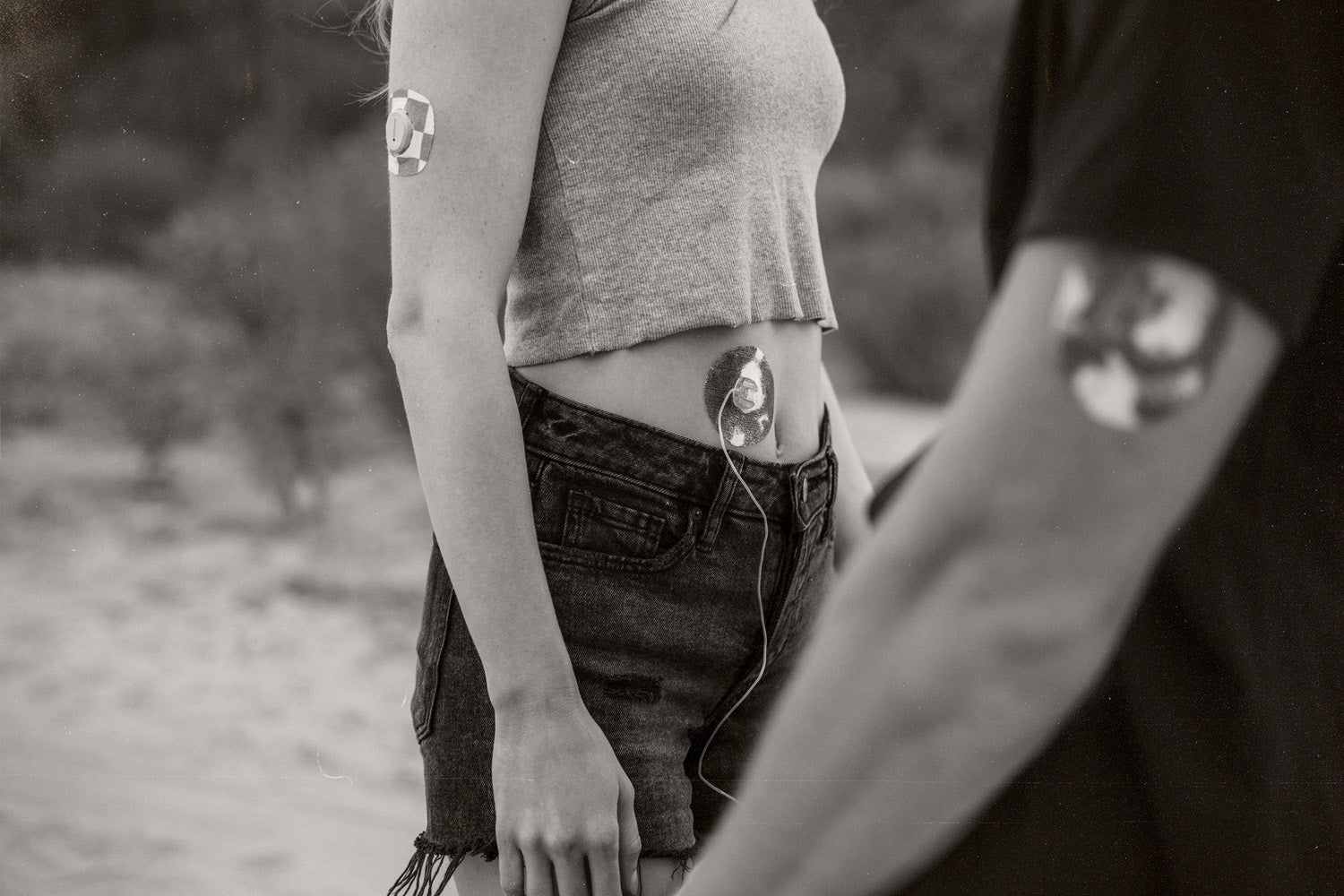
Diabetes technology is incredible. CGMs, insulin pumps, apps, and automated insulin delivery systems can reduce mental load and help you feel more confident throughout your day.
But even the best diabetes tech can have off days. Sensors lose signal. Sites get pulled off. Pods fail early. Adhesive starts peeling at the worst possible moment. And if you’ve ever had a device issue during a workout, a travel day, or while you’re just trying to exist peacefully… you know how stressful it can be.
This guide is all about preventing the most common diabetes device problems with small habits that make life easier. No perfection required, just practical steps that help you stay connected, prepared, and calm when real life happens.
The Most Common “Device Failures” (That Aren’t Your Fault)
Before we get into prevention, here’s a reminder: device issues happen to everyone. You’re not doing anything wrong.
Common problems include:
- Adhesive peeling early
- Sensors falling off or failing before the wear period ends
- Pump sites pulling out or getting irritated
- Signal loss or missed readings
- Pods failing early
- Alarm fatigue (not exactly a failure, but definitely a real-life issue)
- Dead batteries at the worst time
The goal is not to eliminate every problem. The goal is to reduce avoidable ones and feel ready for the rest.
1. Nail the Basics: Skin Prep Makes a Huge Difference
Most device problems start before your device even goes on.
A quick, consistent skin prep routine helps your patch stick longer and feel more comfortable throughout wear.
Try this simple prep flow:
- Wash skin with soap + water
- Dry completely
- Avoid applying lotions, oils, or sunscreen on that spot beforehand
- Apply your device
- Reinforce it early (more on that below)
2. Reinforce Devices Before They Peel
A lot of people wait to patch things up until the device is already lifting. The problem is once an edge starts peeling, it tends to get worse quickly.
Instead, reinforce early, especially if you know you’re heading into:
- A workout
- A beach or pool day
- A sweaty commute
- A busy weekend
- A long work shift
- A travel day
Skin Grip patches are made for exactly this. They help keep CGMs and pump sites secure through sweat, movement, and everyday wear, so you spend less time worrying and more time living.
Pro Tip: Apply your patch at least 1 hour before a workout or shower to give the adhesive time to bond.
3. Choose Placement That Matches Your Life
Where you wear your device can have a big impact on how long it stays secure.
- Try to avoid spots that experience:
- High friction (waistbands, bras, tight clothing)
- Constant bending or twisting
- Frequent bumping (doorways, backpacks, sports gear)
Good placement isn’t the same for everyone. You may need to experiment to find spots that work with your routine, job, and activity level.
Pro Tip: If your device always fails during certain activities, consider it a placement issue before assuming it’s a product issue.
4. Protect Your Devices During Sweat, Showers, and Swimming
Water and sweat don’t just affect comfort. They can weaken adhesive over time.
Here are a few lifestyle-friendly habits that help:
- Pat your patch dry after a shower or swim (don’t rub)
- Avoid very hot showers right after applying a new device
- Reinforce with a patch before heavy sweat days
- Keep a backup patch in your gym bag or travel kit
This is where the little things make a major difference in wear time and peace of mind.
5. Reduce Signal Loss and Tech Glitches
Sometimes device failure is really a connectivity issue.
A few things that help prevent signal loss:
- Keep your phone/receiver within range when possible
- Avoid leaving your phone in another room for long stretches
- Keep your apps updated
- Restart your phone if readings disappear unexpectedly
Pro Tip: If your CGM is connected to multiple apps or devices, try not to overload your setup. Too many connections can occasionally lead to missed data or delays.
6. Keep Your Tech Charged
This one seems obvious, but it’s easy to forget charging when you’re busy, tired, or traveling. Instead of relying on memory, build charging into an existing habit.
Examples:
- Charge your devices while you shower
- Plug in your pump/phone while you brush your teeth
- Use a portable charger during long car rides
Pro Tip: Keep a charging cord in the places you spend time: bedside, car, work bag, travel kit.
7. Always Have a “Plan B Kit”
Device failures feel 10x worse when you don’t have supplies nearby.
You don’t need to carry your entire diabetes closet with you. A small plan B kit is enough to reduce stress.
Ideas for a mini backup kit:
- Low snack
- A spare Skin Grip patch
- A wipe (prep or remover depending on your needs)
- A charger or small portable battery
- A backup infusion set/pod/sensor (if you’re out all day)
Pro Tip: Build a few kits and keep them where life happens: car, backpack, desk drawer, gym bag.
8. Make Device Changes More Convenient
A lot of device issues happen when you apply a sensor or site in a rush.
If possible:
- Change devices at home
- Change devices when you’re calm
- Avoid last-minute changes right before a workout, flight, or big event
It doesn’t have to be perfect. You’re just trying to set yourself up for success.
Pro Tip: Apply a new patch or sensor the night before a long day. More time to set = more reliable wear.
9. Don’t Let One Bad Tech Day Ruin Your Confidence
If your device fails early, it’s easy to spiral into frustration. But diabetes tech is still worth it, even when it’s imperfect.
A helpful mindset shift:
- Not every device issue needs a deep investigation
- You can troubleshoot, replace, and move on
- You’re allowed to feel annoyed without blaming yourself
Your ability to adapt is a skill. The device is just a tool.
Final Thoughts: Reliable Tech = More Freedom
When your devices stay secure, stay connected, and work with your routine, you spend less time troubleshooting and more time enjoying your day.
With simple habits, a realistic backup plan, and tools like Skin Grip patches and wipes to support device wear, you can feel more confident through workouts, travel days, long shifts, and everything in between.
Because diabetes is already a full-time job. Your tech should make life easier, not harder.