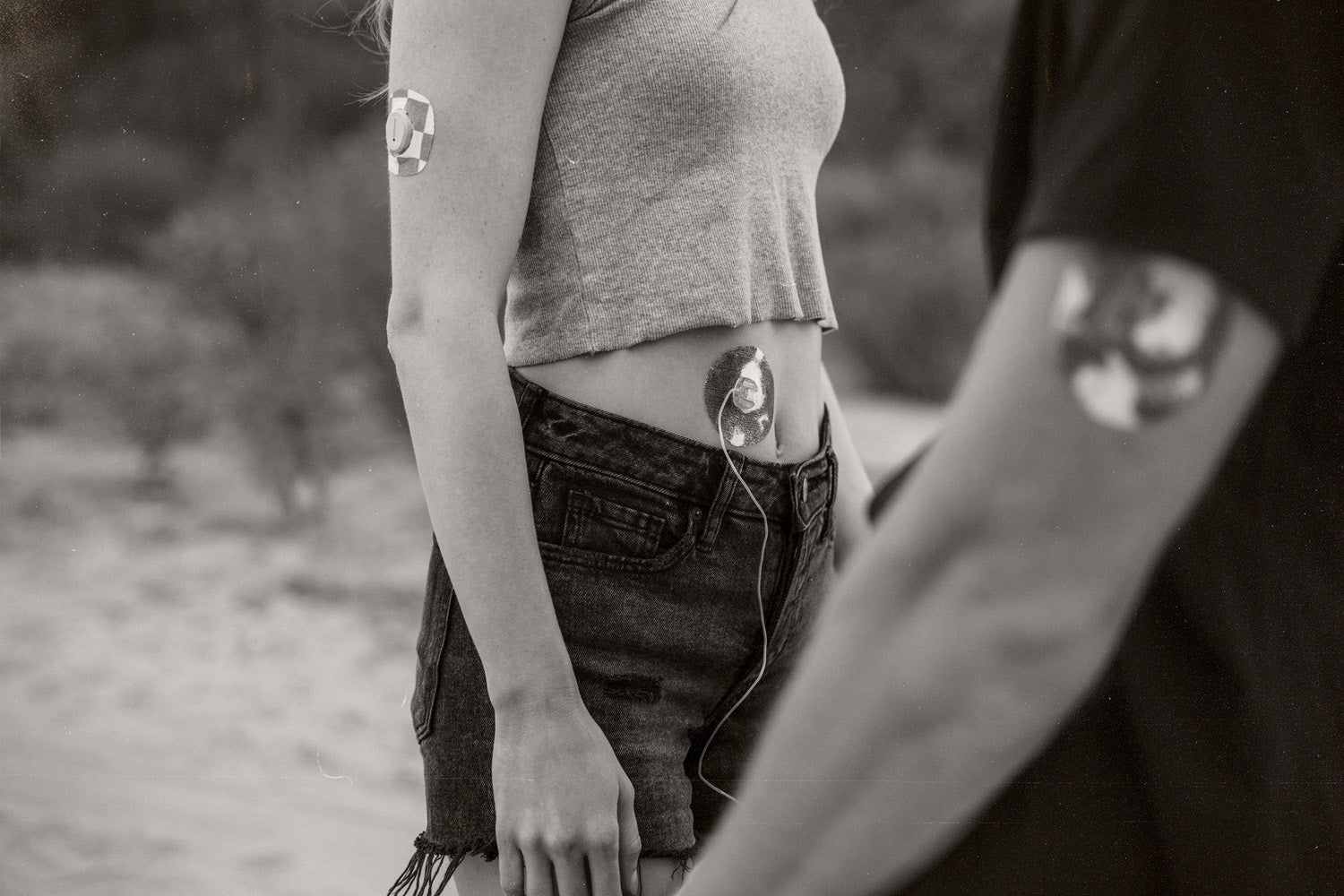
When you live with diabetes, your devices like continuous glucose monitors (CGMs) and insulin pumps quickly become part of your everyday routine. They track, deliver, and stay connected to the data you need. And though tech has come a long way in improving the lives of people with diabetes, a key challenge remains: keeping them on.
Sweat, showers, workouts, swimming, even just hot weather can make adhesives peel or fall off before you’re ready. That’s where patches like Skin Grip come in, adding security, comfort, and peace of mind. Still, a little prep and know-how go a long way.
Here’s your complete guide to making adhesives and patches last longer, so your devices stay put and you can live fearlessly.
Start with Clean, Dry Skin
Adhesives stick best to a clean surface. Before applying your device and patch:
-
Wash the area with mild soap and water.
-
Avoid lotions, oils, or creams beforehand - they can break down the adhesive.
-
Pat completely dry. Even a little moisture makes sticking harder.
Pro Tip: If you’re especially sweaty or oily, an alcohol wipe can help remove residue before applying your device.
Choose the Right Spot
Not all areas are prime real estate when it comes to adhesion. Consider:
-
Flat areas: They’re less likely to catch on clothing or bend with movement.
-
Low-friction spots: Avoid areas that rub against waistbands, bra straps, or tight clothing.
-
Hair-free skin: Less pulling, better sticking, and pain-free removal.
Pro Tip: If hair is an issue, trim or shave the area first, though be sure to avoid irritating the skin. Do not apply patch to an area with any scrapes, bruises, rashes, or sunburns.
Apply with Care
The way you apply your device and patch will help set you up for success with wear times and comfort.
-
Before device insertion, use an alcohol wipe to ensure clean application.
-
For extra adhesion, use Skin Barrier wipes to create a tacky, irritation-free layer of extra adhesion.
-
Follow instructions for device insertion.
-
Peel off two of the paper tabs on the Skin Grip adhesive, placing the exposed adhesive onto skin over the device
-
Peel off remaining tabs and place the rest of the patch onto skin firmly.
Pro Tip: Apply patches right after a shower (once skin is completely dry). Your skin will be clean, and your adhesive will have time to set before you sweat again.
Give It Time to Set
Adhesives get stronger over time.
-
Try to apply your patch at least an hour before activities that cause sweating or water exposure.
-
This curing time helps the adhesive bond to your skin.
Pro Tip: If you know you’ll be swimming or working out, apply your patch the night before. After swimming or showering, be sure to pat down with a towel.
Clean Removal
When it’s time to change out your site, our adhesive may still be working overtime. If the patch is still strongly attached, use our Adhesive Remover wipes to loosen the adhesive before removing.
Pro Tip: If your patch has begun to fray before removal, simply trim off the edges to prevent further fraying or lifting.
Confidence That Sticks
Keeping your diabetes devices secure doesn’t have to be a constant battle. With the right prep, application, and support from Skin Grip adhesive patches, you can sweat, swim, shower, and sleep without worrying about your device peeling up.